01
Customer
QR code on the counter
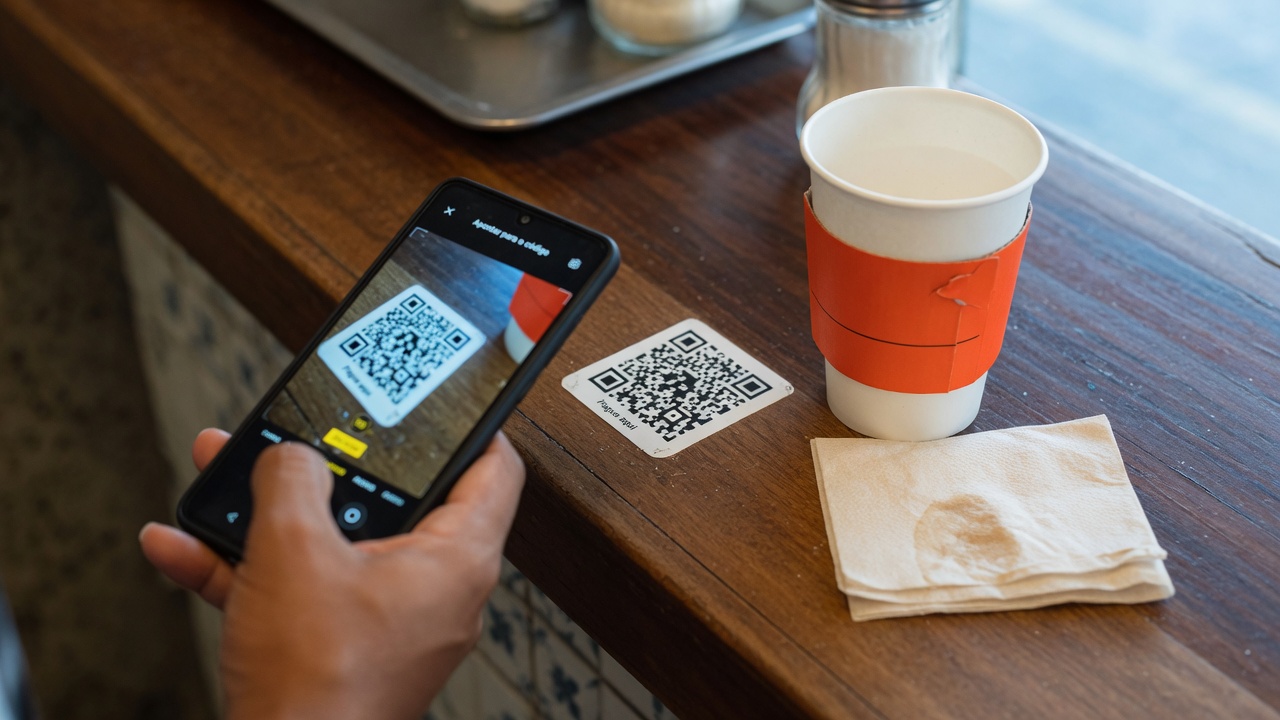
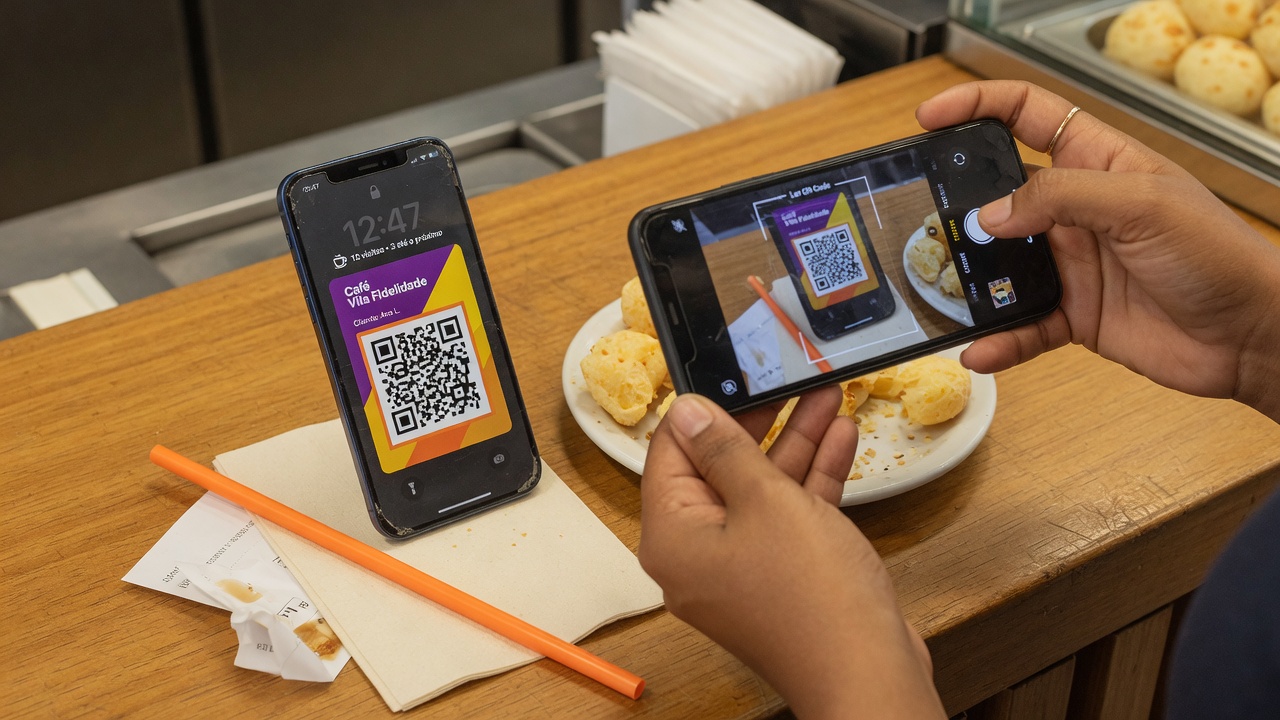
They point their phone camera at the QR code. No app to download. No account to create while standing in line.
Your customer scans the QR code, saves the card to Apple Wallet or Google Wallet and sees their stamps on their phone. Your team stamps at checkout — no extra app, no new card reader.

Customer
They point their phone camera at the QR code. No app to download. No account to create while standing in line.
Customer
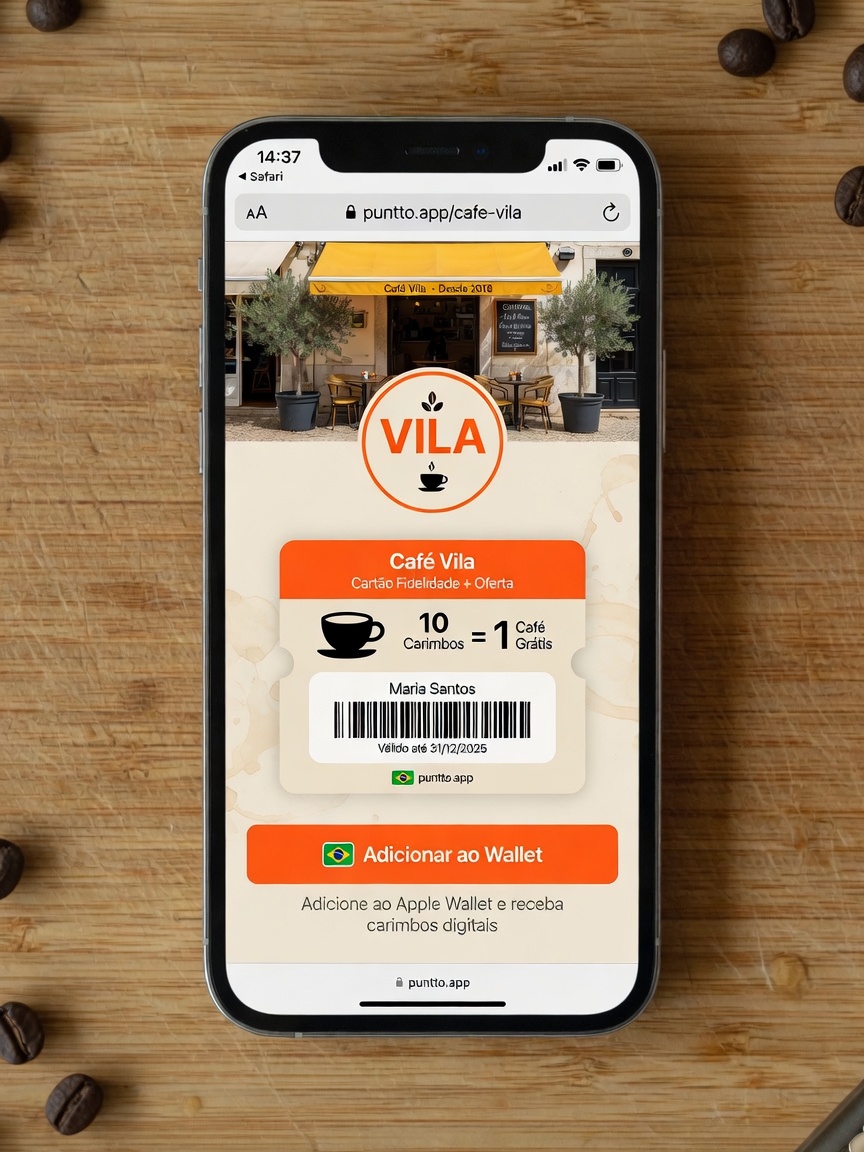
The business page (puntto.app/your-slug) shows the card: name, reward and a single button.
Customer
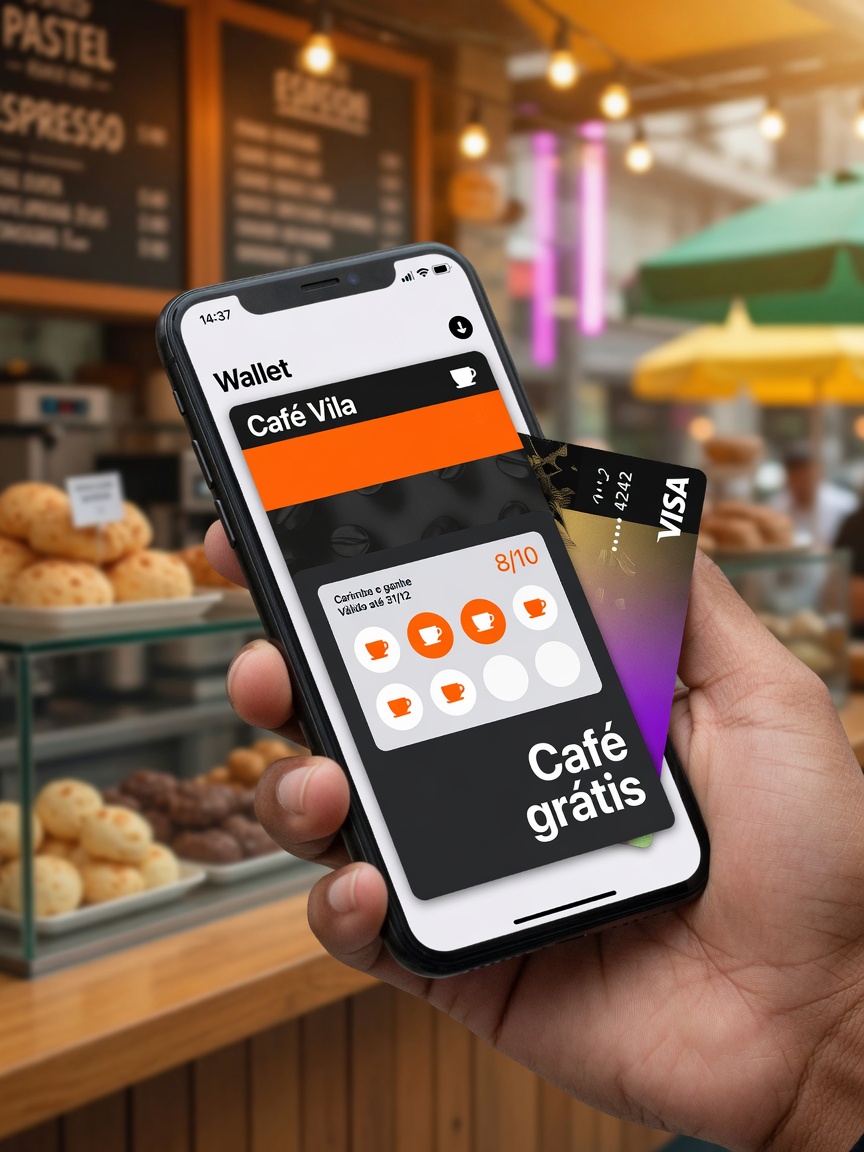
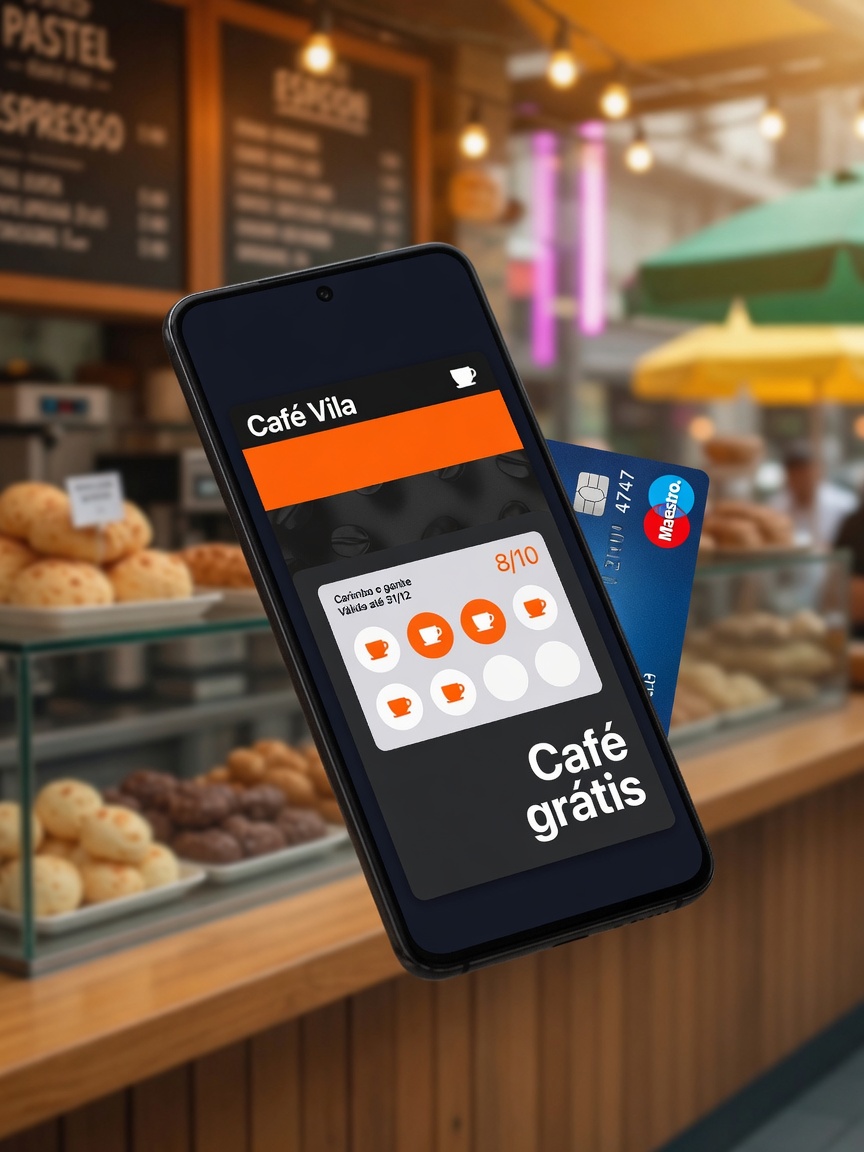
One tap in Apple Wallet or Google Wallet. The card sits right next to their credit card.
Store
On the phone or tablet the store already has: scan the pass and add the stamp in one tap. The line doesn’t turn into a tutorial.
Store
Their progress (“2 to go”) lives in their pocket. Near your location, the pass moves up on their screen — no forced push, only when it makes sense.

A café and bakery classic: fill the grid, get the reward. Visible, easy to explain at the counter, perfect when customers buy often.
Café · bakery · ice cream shop · pizza
Every purchase earns points based on the rules you set. Customers track their balance in Wallet and redeem when they reach the reward.
Burger joint · retail · services
A percentage back as credit for their next visit. A clear value message — ideal when customers already compare prices and deals.
Bar · shop · higher average ticket
Switch between stamps, points and cashback. Simulate a stamp. This is the card your customer takes home — not a PDF of a paper card.
Loyalty card
Next reward: free coffee
QR code
14 days free · no credit card needed · set up in minutes